Google Drive Storage Full? Bina Paise Diye Space Khali Karne Ke 5 Practical Tarike (2026)

Aayush Kumar
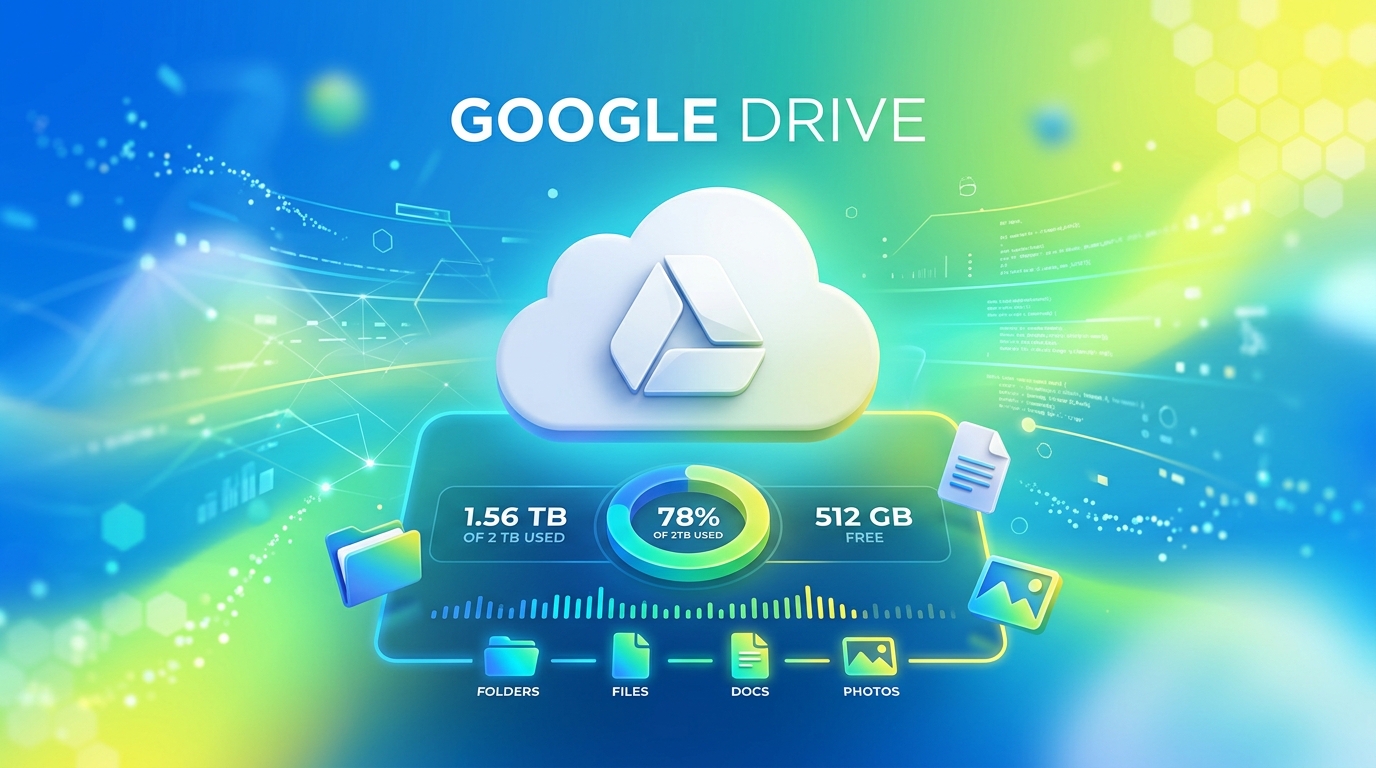
Jab aapke Android phone par “Storage space running out” ya Gmail mein “Account storage is 99% full — you may not be able to send or receive emails” ka notification aane lagta hai, toh Gmail par zaroori emails aana band ho jati hain aur Google Drive par documents sync hona ruk jate hain.
Google har free Google Account ke sath total 15GB Free Cloud Storage provide karta hai. Lekin yeh 15GB space single Google account ke andar teen main services ke beech shared hota hai:
- Google Drive (PDFs, ZIP files, backups)
- Gmail (Emails aur attachments)
- Google Photos (Photos aur videos backups)
Agar aap Google One ka monthly subscription plan (₹130/month) nahi lena chahte, toh is guide mein hum 5 practical step-by-step methods share kar rahe hain jinse aap bina kisi app ke free cloud space khali kar sakte hain.
📊 Overview: 15GB Free Space Ka Distribution
| Service | Common Storage Blockers | Quick Storage Saver Solution |
|---|---|---|
| Gmail | Purani newsletter, promotional mails, heavy PDF/video attachments | Filter via has:attachment larger:10M query |
| Google Drive | Old WhatsApp chat backups, uncompressed ZIP files, large screen recordings | Sort files by size using Storage Manager tool |
| Google Photos | Original quality 4K video backups aur RAW camera photos | Convert to ‘Storage Saver’ quality mode |
🔹 Method 1: Gmail Mein Heavy Attachments Filter Karke Delete Karein
Gmail mein saalon purane bank statements, video files aur PDF attachments chupchaap GBs space occupy kar lete hain. Inhe ek-ek karke dhoondne ke bajaye Gmail search operators ka use karein.
Step-by-Step Guide:
- Laptop ya Mobile browser mein Gmail open karein.
- Top Search bar mein yeh exact operator type karke Enter dabayein:
has:attachment larger:10M - Yeh command un sabhi emails ko display karega jinka attachment size 10MB se bada hai.
- (Optional) Agar aap 20MB se badi files dhoondna chahte hain, toh
has:attachment larger:20Msearch karein. - Zaroori emails ko uncheck karke baaki sabhi unwanted mails ko select karein aur Delete (Trash icon) par tap karein.
🔹 Method 2: Google One Storage Manager Tool Ka Use Karein
Google ne official free cleanup tool banaya hua hai jo aapke account mein sabse zyada space lene wali files ko categorise karke dikhata hai.
Steps:
- Apne browser mein one.google.com/storage/management URL open karein.
- Google Login karein.
- Tool aapko automatically teen categories dikhayega:
- Discarded items: Spam emails aur Trash files.
- Large items: Gmail, Drive aur Photos mein sabse badi files.
- Unsupported videos: Wo video formats jo Google Play playback support nahi karte.
- “Review and free up” button par click karke ek click mein badi unneeded files ko remove karein.
🔹 Method 3: Google Photos Backup Quality Change Karein
Agar aapke phone par Google Photos auto-backup ON hai, toh high-resolution camera photos aur 4K videos aapke 15GB quota ko 2-3 mahine mein full kar dete hain.
Quality Change Karne Ka Tarika:
- Google Photos app open karein.
- Top-right profile icon par tap karke Photos Settings mein jayein.
- Backup -> Backup Quality option par click karein.
- “Original Quality” ki jagah “Storage Saver” select karein.
- Web browser par
photos.google.com/settingspar jaakar “Convert existing photos to Storage Saver” select karein. Isse purani heavy photos compressed size mein convert ho jayengi aur GBs Space free ho jayega.
🔹 Method 4: Trash / Bin Folders Ko Empty Bin Karein
Boht se users files delete toh kar dete hain lekin Trash Folder clear karna bhool jate hain. Google Drive aur Gmail delete ki gayi files ko 30 din tak Trash mein retain karke rakhte hain jisse storage instant release nahi hoti.
Immediate Cleanup Steps:
- Drive Trash: Google Drive app mein Left Menu (☰) -> Bin (Trash) -> Top-right 3 dots -> Empty Bin par tap karein.
- Gmail Trash: Gmail Left menu -> Trash -> “Empty Trash now” click karein.
- Photos Trash: Google Photos -> Library / Collections -> Trash -> Empty Trash karein.
🔹 Method 5: WhatsApp Backups Manage Karein
2024 ke baad se Google ne WhatsApp Chat Backups ko 15GB free quota mein count karna shuru kar diya hai. Agar aapka WhatsApp backup 4GB-5GB ka ho gaya hai, toh storage jaldi full ho jayegi.
Storage Reduce Steps:
- WhatsApp open karein -> Settings -> Chats -> Chat Backup.
- “Include Videos” toggle ko OFF kar dein (Videos photos ke mukable 80% space occupiy karti hain).
- Local media cleanup ke liye WhatsApp Settings -> Storage and Data -> Manage Storage mein jaakar 5MB se badi forwarded videos delete karein.
💡 Summary Checklist for Free Storage
- Gmail filter
has:attachment larger:10Mrun kiya? - Google Photos quality Storage Saver par switch ki?
- WhatsApp Backup se Videos toggle off kiya?
- Drive, Gmail aur Photos teeno ke Trash Bin empty kiye?
🔗 Zaroori Related Articles:
- 📌 Phone Storage Cleanup: Device internal memory clear karne ke liye hamara Phone Storage Full Issue Solution guide padhein.
- 📌 Windows Speedup: System performance booster guide ke liye PC Slow Hai Kaise Fast Kare check karein.
Ye article kaisa laga? Share karein:
Apne doston ki madad karein useful tech jankari share karke!
TechVerse VIP Community
Har roz nayi tech tips, hidden AI tools aur discount deals ke liye judein!
Aayush Kumar
Aayush Kumar TechVerse ke Founder aur Lead Technical Editor hain. Woh technology, software development, AI tools aur consumer gadgets par research-based content publish karte hain.
Lekhak ka poora profile aur sabhi articles dekhein →Related Posts 🔍

Call Recording Announcement Kaise Band Karein? (Google Dialer Fix 2026 - Realme, Vivo, Xiaomi, OnePlus)
Sep 16, 2026

Jio True 5G Unlimited Data Nahi Chal Raha? 5G Speed aur Network Problem Solution (2026)
Sep 16, 2026
CEIR Portal Request ID Bhool Gaye? Status Check Aur ID Recover Kaise Karein (2026)
Sep 13, 2026

Tech Freelancing Kaise Shuru Karein? 2026 Beginners Complete Guide (Upwork, Fiverr)
Aug 15, 2026
TypeScript Roadmap 2026: Web Developers Ke Liye Complete Guide & Setup (Hinglish)
Best ANC Earbuds Under ₹3,000 in India (2026): Active Noise Cancelling Guide
Tech Updates Seedha Inbox Mein!
Har hafta latest AI news, coding tips, aur gadget reviews. Get weekly tech updates straight to your inbox.
✅ No spam, sirf quality content. Kabhi bhi unsubscribe kar sakte ho.