iOS 27 Release Date in India: Eligible iPhones List, Launch Time (IST), Top Features Aur Update Kaise Karein [Complete Guide]

Aayush Kumar
![iOS 27 Release Date in India: Eligible iPhones List, Launch Time (IST), Top Features Aur Update Kaise Karein [Complete Guide]](/images/ios-27-release-india-cover.jpg)
Apple ka naya major software update iOS 27 officially roll out hone ke liye bilkul tayyar hai. Pichle 24 ghanto se poore India mein Google Trends par “iOS 27 Release Date in India” aur “Eligible iPhones List” lagatar top search bana hua hai.
Har saal jab bhi Apple ka naya OS aata hai, to users ke dimaag mein 4 bade sawal hote hain:
- Mere iPhone model ko ye update milega ya Apple ne support band kar diya?
- India mein exact kis date aur kitne baje update download karne ke liye aayega?
- Kya mere phone mein Apple Intelligence ke shandar AI features chalenge?
- Bina kisi bug, heating ya data loss ke ise safe tareeqe se kaise install karein?
Iss comprehensive Hindi guide mein hum aapke in sabhi sawalon ka step-by-step complete solution le kar aaye hain.
1. iOS 27 Release Date & Exact Timing in India (IST)
Apple Cupertino (California) time zone ke mutabiq subah 10:00 AM PST par global rollout shuru karta hai.
Iska matlab Indian Standard Time (IST) ke hisab se:
- 📅 Release Date: Aaj Raat / Mid-September 2026
- ⏰ Exact India Timing: Raat 10:30 PM IST (Lagbhag 10:00 PM se 11:00 PM ke beech sabhi Indian devices par update notification pop-up hona shuru ho jayega).
Important Note: Jaise hi 10:30 PM baje update live hota hai, duniya bhar ke karodon log ek sath Apple ke servers par टूट padte hain. Isliye shuru ke 1 ghante mein “Update Requested” ya slow download speed ka issue aa sakta hai. Agar aapko ultra-fast download chahiye, to subah 6:00 AM par download karna best rehta hai.
2. Supported Devices List: Kisko Milega Aur Kisko Nahi?
Apple apne devices ko 5 se 6 saal tak long-term software support deta hai. Niche di gayi table mein check karein ki aapka phone eligible hai ya nahi:
| iPhone Model | iOS 27 Update Milega? | Apple Intelligence AI Support? |
|---|---|---|
| iPhone 17 / 17 Pro / 17 Pro Max | ✅ YES (Pre-installed / Day 1) | ✅ Full On-Device AI Support |
| iPhone 16 / 16 Plus / 16 Pro / Pro Max | ✅ YES (100% Supported) | ✅ Full AI Support |
| iPhone 15 Pro / 15 Pro Max | ✅ YES (100% Supported) | ✅ Full AI Support (A17 Pro) |
| iPhone 15 / 15 Plus | ✅ YES (Normal Features) | ❌ Limited AI (Due to 6GB RAM) |
| iPhone 14 / 14 Plus / 14 Pro / Pro Max | ✅ YES (UI & Battery Features) | ❌ No Apple Intelligence |
| iPhone 13 / 13 mini / 13 Pro / Pro Max | ✅ YES (Final Major Update) | ❌ No Apple Intelligence |
| iPhone SE (3rd Gen - 2022) | ✅ YES (Basic UI) | ❌ No Apple Intelligence |
| iPhone 11 & iPhone 12 Series | 🛑 DROPPED (No Update) | ❌ Only Security Patches |
Agar aapke paas iPhone 13 ya uske baad ka model hai, to aapko naya update confirm milega!
3. Top 5 Game-Changing Features (Kyu Hai Ye Update Khaas?)
A. Apple Intelligence 2.0 (Supercharged Siri)
- Visual Intelligence: Camera kisi bhi poster, restaurant ya gadget par point karein, Siri turant Google Lens ki tarah context aur reviews screen par show karegi.
- Multilingual Writing Tools: Email, WhatsApp messages aur notes ko Hindi, Hinglish aur English mein formal, casual ya professional tone mein rewrite karne ka instant option.
B. Native Call Recording With AI Summary
- Ab third-party apps ki zaroorat nahi! Call ke dauran direct “Record Call” button daba sakte hain (doosri party ko audio alert milega).
- Call khatam hote hi Notes app ke andar poori baat-cheet ka bullet-point summary ban kar tayyar ho jata hai!
C. Fully Redesigned Control Center & Lock Screen
- Control Center ke icons ko freely resize karein aur third-party apps (jaise UPI Scanner, Spotify, Flashlight) ke shortcuts add karein.
- Lock screen ke clock font, colors aur widgets ko completely customize karein.
D. Smart Battery Charging Health & Cycle Count
- Phone charging ko 80%, 85%, 90% ya 95% par limit karne ka naya slider jisse battery health 3-4 saal tak 90%+ bani rahegi.
- Settings mein direct battery manufacture date aur first use history check kar sakte hain.
E. Redesigned Photos App With Clean Categorization
- AI automatic face recognition aur trip highlights banata hai. Duplicate screenshots aur receipts ko ek tap mein delete karke storage khali kar sakte hain.
4. Update Karne Se Pehle 3 Zaroori Kaam (Data Loss Se Bachein)
Agar aap nahi chahte ki update ke dauran aapka phone Apple logo par freeze ho jaye ya photos gayab ho jayein, to ye 3 steps zaroor follow karein:
- iCloud Backup Zaroor Lein:
Settings > [Aapka Naam] > iCloud > iCloud Backup > Back Up Nowpar tap karein. - Kam Se Kam 12 GB Storage Khali Karein:
Settings > General > iPhone Storagecheck karein. Agar storage full hai, to purani 4K videos ya WhatsApp cache saaf karein. - Battery 60%+ Aur Fast Wi-Fi: Update karte waqt phone ko charger par lagayein aur mobile hotspot ke bajaye broadband Wi-Fi use karein.
5. iOS 27 Step-by-Step Kaise Download & Install Karein?
Jaise hi ghadi mein raat ke 10:30 PM bajein:
- Apne iPhone ki Settings open karein.
- Scroll karke General option par tap karein.
- Software Update par click karein.
- Screen par “iOS 27” ka banner dikhai dega jisme file size aur release notes honge.
- “Download and Install” par tap karein.
- Apna iPhone Lock Passcode enter karein aur Terms & Conditions ko Agree karein.
- Download complete hone ke baad phone restart hoga aur Apple logo ke niche progress bar chalegi.
- 15 se 20 minute ke baad screen par aayega: “Hello — Your iPhone has been updated to iOS 27”!
Final Verdict:
iOS 27 Apple ke itihaas ke sabse refined aur smart updates mein se ek hai. Agar aapka iPhone eligible list mein hai, to battery health aur call recording jaise features ke liye ye ek must-have update hai!
Ye Bhi Zaroor Padhein:
- 📱 Croma iPhone 17 Pro Discount & Sale Offers (2026)
- 🔋 Phone Ki Battery Life Kaise Badhayein? 12 Practical Tips
- ⚡ Phone Fast Charging Kaam Nahi Kar Rahi? 7 Effective Fixes
- 🎧 Best Gaming Earbuds Under 1500 (Low-Latency & ENC Guide)
🔗 Zaroori Related Articles:
- 📌 Related Guide: Hardware leaks ke liye iPhone 18 Pro Max Rumors dekhein.
- 📌 Related Guide: Agar current version par battery drain ho rahi hai toh iOS 26 Battery Drain Fixes padhein.
🌐 Authoritative Reference & Source: Adhik jankari aur official documentation ke liye aap Apple Official Support & Guides ko visit kar sakte hain.
Ye article kaisa laga? Share karein:
Apne doston ki madad karein useful tech jankari share karke!
TechVerse VIP Community
Har roz nayi tech tips, hidden AI tools aur discount deals ke liye judein!
Aayush Kumar
Aayush Kumar TechVerse ke Founder aur Lead Technical Editor hain. Woh technology, software development, AI tools aur consumer gadgets par research-based content publish karte hain.
Lekhak ka poora profile aur sabhi articles dekhein →Related Posts 🔍
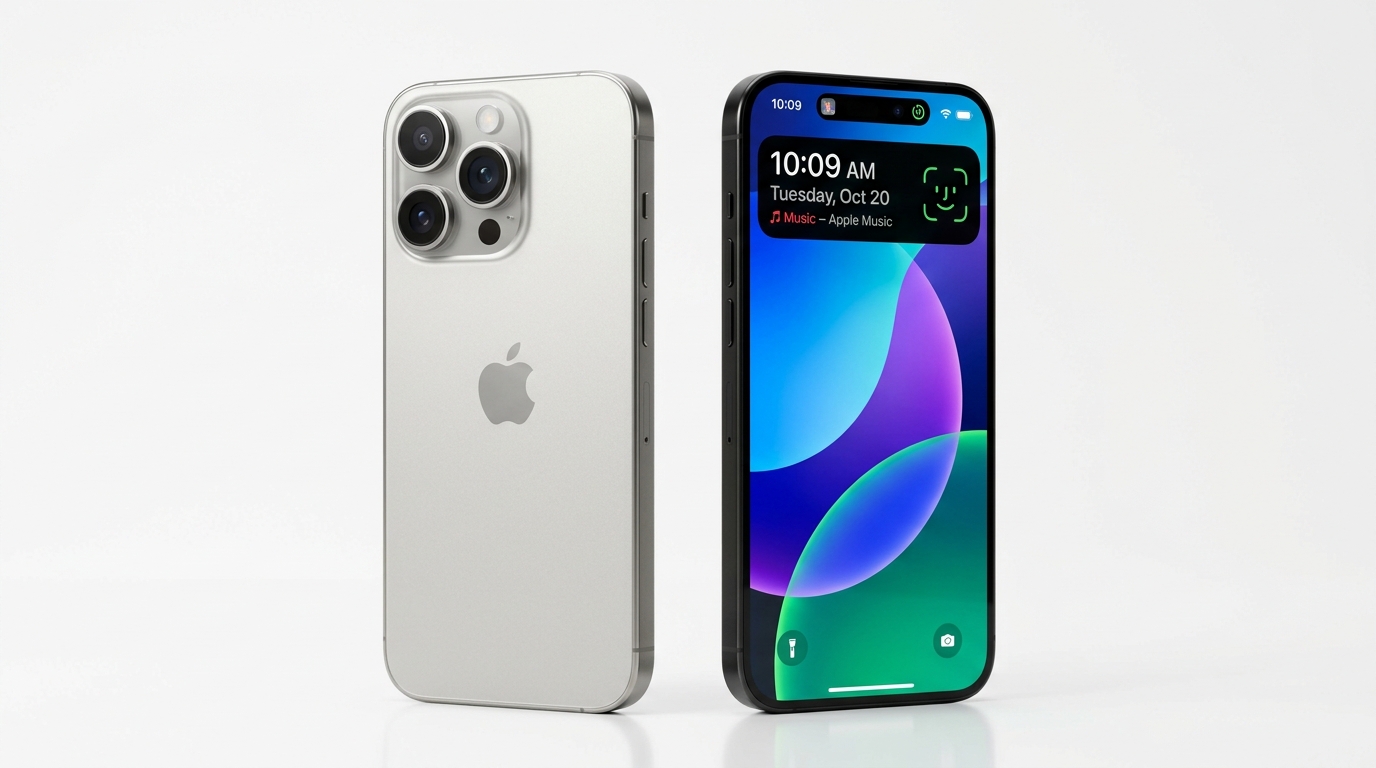
iPhone 18 Pro Kya Hai? Price, Features Aur India Launch Date (2026)
Sep 10, 2026

Best 4K Smart TVs Under ₹25,000 in India (2026): 43-Inch Dolby Vision & Google TV
Sep 12, 2026

Best 4K Smart TV Under ₹30,000 in India (2026): Top 43 & 55 Inch Google TVs
Sep 16, 2026
![Best 5G Smartphones Under 20000 in India (2026): Curved AMOLED & OIS Camera [Top 4 Picks]](/images/phones-under-20k-5g-cover.jpg)
Best 5G Smartphones Under 20000 in India (2026): Curved AMOLED & OIS Camera [Top 4 Picks]
Sep 14, 2026
Best 5G Smartphones Under 20000 in India (2026): Curved AMOLED & OIS Camera [Top 4 Picks]
Flipkart Big Billion Days 2026 and Amazon Great Indian Festival: Sale Dates, iPhone Deals and Best Tech Offers
Tech Updates Seedha Inbox Mein!
Har hafta latest AI news, coding tips, aur gadget reviews. Get weekly tech updates straight to your inbox.
✅ No spam, sirf quality content. Kabhi bhi unsubscribe kar sakte ho.